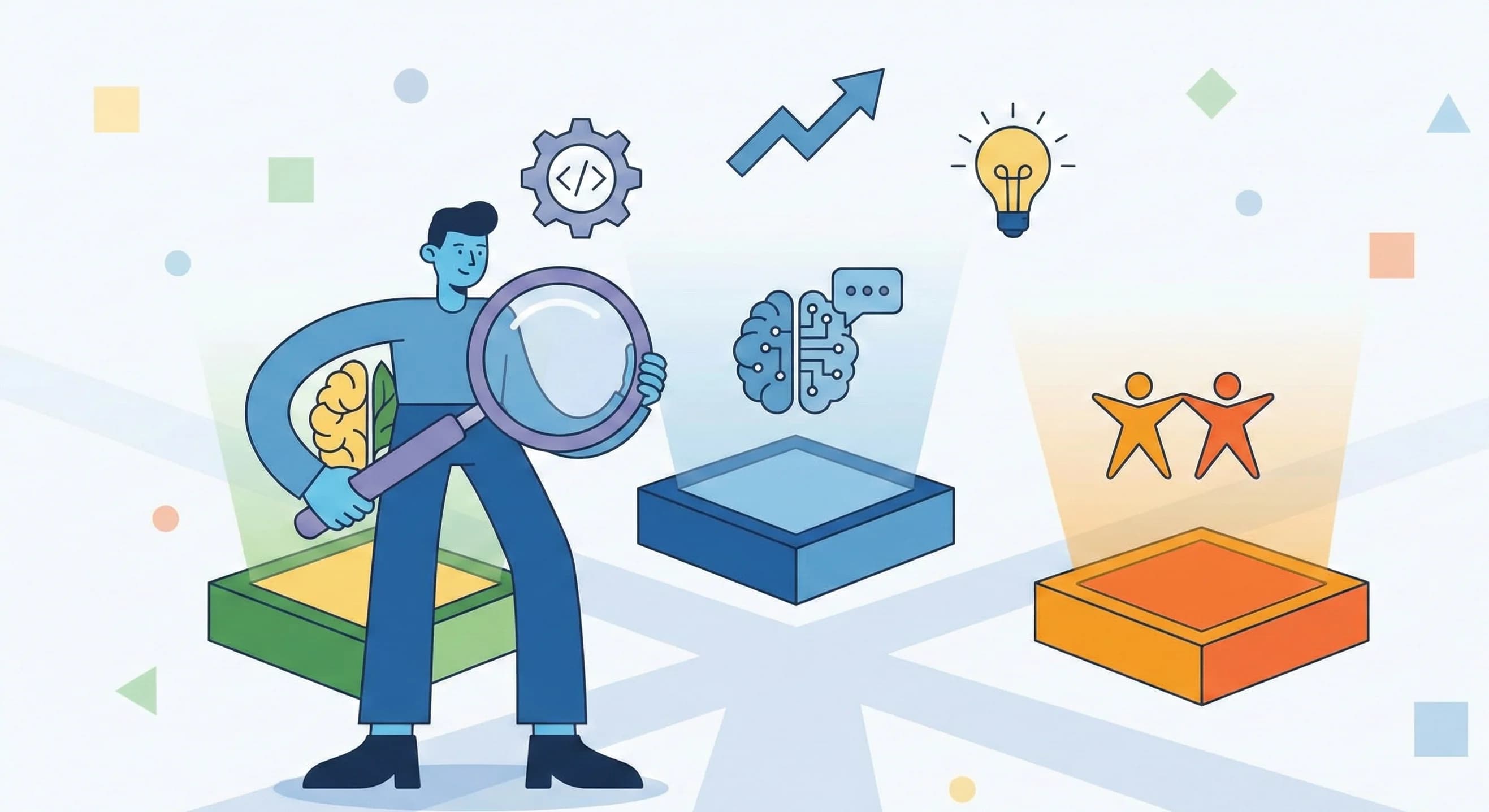
November 2025 brought significant updates to the three major AI assistants many people use daily: OpenAI's ChatGPT (GPT-5.1), Google's Gemini 3 Pro, and Anthropic's Claude Opus 4.5. If you've been wondering which one might work best for you—or whether you should try something new—this guide breaks down the key differences in plain terms.
We've tested these tools extensively and reviewed independent performance data to help you make an informed decision based on your actual needs, not marketing claims. We also explain how these AI tools can help your business with SEO, web development, and more.
What Each AI Assistant Does Best
ChatGPT (GPT-5.1): Best for Everyday Conversations
If you want an AI that feels natural to talk to, ChatGPT is hard to beat. OpenAI designed it to be warm, helpful, and easy to interact with—like texting a knowledgeable friend.
What makes it stand out:
- Automatically adjusts how deeply it thinks based on your question
- Highly customizable personality (you can make it more formal, casual, or even quirky)
- Excellent at following complex instructions
- Great for brainstorming, writing, and general questions
Best for: Daily tasks, creative writing, customer service, and anyone who wants a friendly AI companion.
Claude Opus 4.5: Best for Professional Work
Anthropic's Claude is designed for people who need to get serious work done. It excels at technical tasks, handles complex multi-step projects, and tends to give direct, no-nonsense answers.
What makes it stand out:
- Top performance on real-world coding and engineering tasks
- Handles ambiguous requests without needing constant clarification
- Efficient with responses (uses fewer words to say the same thing)
- Strong at financial analysis and data work
Best for: Software developers, business professionals, analysts, and anyone tackling complex technical projects.
Gemini 3 Pro: Best for Research and Large Documents
Google's Gemini shines when you need to work with lots of information at once. It can analyze entire books, long videos, or large collections of documents in a single conversation.
What makes it stand out:
- Can process up to 1 million "tokens" (roughly 750,000 words) at once
- Works with text, images, video, audio, and PDFs natively
- Strong mathematical and scientific reasoning
- Excellent for research and academic work
Best for: Researchers, students, professionals working with large documents, and anyone who needs to analyze multimedia content.
How They Compare: A Closer Look
For Writing Code and Technical Work
If you're a developer or work with technology, here's how these tools stack up on industry-standard tests:
Benchmark data sourced from Anthropic's model card, OpenAI's GPT-5.1 announcement, and Google DeepMind's Gemini 3 technical report.
Our take: Claude leads for professional software work -- according to Anthropic's Opus 4.5 announcement, it is the first AI to exceed 80% on the industry's toughest coding benchmark (SWE-bench Verified). ChatGPT works well for longer coding projects that need sustained attention. Gemini excels when your work involves math-heavy algorithms or scientific computing.
Software Engineering Performance
Mathematics Performance (AIME 2025)
For Problem-Solving and Complex Questions
Each assistant approaches thinking differently:
ChatGPT automatically decides how much time to spend on your question. Simple questions get quick answers; complex ones get more careful consideration. This makes it feel responsive and natural.
Claude lets you choose how hard it should "think" on a problem. You can get quick answers when speed matters or request deeper analysis for important decisions.
Gemini scores highest on academic and scientific reasoning tests. It's particularly strong on graduate-level questions in science and mathematics.
Our take: For general problem-solving, all three are highly capable. Gemini edges ahead on academic-style questions, Claude excels at breaking down multi-step problems, and ChatGPT offers the smoothest experience for varied daily tasks.
Overall AI Capability (Elo Rating)
How Much Information Can They Handle?
Our take: If you regularly work with large documents, lengthy reports, or need to analyze lots of information at once, Gemini's capacity is unmatched. For most everyday tasks, all three handle typical conversations easily.
What Do They Cost?
Understanding pricing: These costs apply when using the AI through their programming interfaces (APIs). For most people using ChatGPT, Claude, or Gemini through their websites or apps, you'll pay a monthly subscription instead (typically $20/month for premium features).
For developers and businesses: ChatGPT offers the lowest per-use pricing. Claude's efficiency means you often pay less than the list price suggests. Gemini offers good value when working with large amounts of data.
Pricing per million tokens
ChatGPT (GPT-5.1)
Input: $1.25
Output: $10.00
Gemini 3 Pro
Input: $2.00
Output: $12.00
Claude Opus 4.5
Input: $5.00
Output: $25.00
76% fewer tokens at medium effort
Note
Claude's efficiency often makes it cheaper than list prices suggest for longer outputs.
How They Communicate
ChatGPT feels the most like talking to a helpful person. It's warm, conversational, and you can customize how it responds—make it more professional, more casual, or even add personality quirks.
Claude tends to be more direct and efficient. It gets to the point quickly and handles vague requests well without asking too many follow-up questions.
Gemini focuses more on capability than conversational style. It's effective but feels more tool-like than the others.
Our take: Choose ChatGPT if you enjoy a conversational experience. Choose Claude if you prefer straightforward, efficient answers.
Which One Should You Use?
Here's a simple guide based on what you actually need to do:
Choose ChatGPT if you want to:
- Have natural, flowing conversations
- Get help with writing emails, articles, or creative content
- Brainstorm ideas or work through problems out loud
- Use a customizable assistant that adapts to your preferences
- Have a general-purpose helper for daily tasks
Choose Claude if you need to:
- Write or review code professionally
- Work through complex, multi-step projects
- Get concise, direct answers without small talk
- Analyze business data or financial information
- Automate professional workflows
Choose Gemini if you're working with:
- Very long documents (contracts, research papers, books)
- Multiple types of media (videos, images, audio, PDFs)
- Scientific or mathematical problems
- Research that requires pulling together lots of information
- Projects where you need to reference large amounts of context
How AI Can Help Your Business Grow
Beyond personal productivity, AI assistants are transforming how businesses operate. Here are the most impactful ways companies are using these tools:
AI for Search Engine Optimization (SEO)
Search is changing. Google now features AI-generated answers at the top of many searches, and being cited in those AI responses has become as important as traditional rankings. Here's how AI tools can help:
Content optimization: AI assistants can analyze your existing content and suggest improvements for clarity, keyword usage, and structure. They can help you create content that answers questions directly—exactly what AI search systems look for.
Keyword research: Ask an AI to identify questions your target audience is asking. These conversational queries are what people type into AI-powered search.
Competitor analysis: Use AI to quickly analyze what's working for competitors and identify content gaps you can fill.
Technical SEO: AI can help identify issues with site structure, meta descriptions, and schema markup that affect how search engines understand your content.
The key insight: content that AI assistants find useful and cite is content that ranks well in AI-powered search. Writing clear, authoritative, well-structured content isn't just good practice—it's essential for visibility in the AI era.
Want to learn more about optimizing for search? Read our guide on why SEO matters for small businesses or explore our SEO services.
AI for Web Development
If you're building or maintaining a website, AI assistants can dramatically speed up your workflow:
Code generation: All three assistants can write HTML, CSS, JavaScript, and backend code. Claude leads on complex coding tasks, making it ideal for professional web development projects.
Debugging: Paste error messages or problematic code and get explanations and fixes in seconds.
Design suggestions: Describe what you want, and AI can suggest layouts, color schemes, and user experience improvements.
Content creation: Generate placeholder text, write product descriptions, or create entire page drafts that you can refine.
The future of web development increasingly involves AI collaboration. Developers who learn to work effectively with these tools can accomplish more in less time.
AI for Marketing and Content
Email campaigns: Draft personalized email sequences, subject line variations, and follow-up messages.
Social media: Generate post ideas, captions, and content calendars tailored to your brand voice.
Ad copy: Create multiple variations of ad text for A/B testing.
Blog content: Research topics, create outlines, and draft articles (like this one was outlined with AI assistance).
Getting Started with AI for Your Business
Not sure where to begin? Start with one specific use case:
- Identify a repetitive task that takes significant time
- Try automating part of it with an AI assistant
- Measure the results and refine your approach
- Expand to other areas once you see what works
If you need help implementing AI tools for your business—whether for SEO, web development, or marketing—our team can help you develop a strategy that fits your needs. Get a free estimate to discuss your project.
The Bottom Line
There's no single "best" AI assistant—they're each designed for different strengths:
- ChatGPT is ideal for everyday use and feels the most natural to talk to
- Claude is the go-to choice for professional and technical work
- Gemini stands out when you need to process large amounts of information
Our Recommendation
You don't have to choose just one. Many professionals use different tools for different tasks:
- ChatGPT for daily communication, writing help, and brainstorming
- Claude for coding, analysis, and complex professional projects
- Gemini for research, document analysis, and working with multimedia
The good news? All three offer free tiers to try, and their premium subscriptions are competitively priced. We recommend testing each with your actual work to see which fits best.
What This Means for Your Work
AI assistants have matured significantly. They can now handle tasks that would have required specialized expertise just a year ago. Here's how to make the most of these tools:
Start with One, Then Expand
Pick the assistant that best matches your primary needs. Once you're comfortable, try the others for specific tasks where they excel.
Learn to Ask Good Questions
The quality of your results depends largely on how you phrase your requests. Be specific about what you want, provide context, and don't hesitate to ask follow-up questions.
Keep Human Judgment Central
These tools are powerful assistants, not replacements for critical thinking. Always review important outputs, verify facts, and apply your own expertise to the results.
Stay Curious
AI capabilities are improving rapidly. Features that don't work well today may work brilliantly in a few months. Check back periodically to see what's new.
Looking Forward
AI technology continues to evolve quickly. The improvements we've seen suggest that these tools will become even more capable and useful over time.
The best approach is to:
- Experiment with different tools to find what works for you
- Stay open to trying new features as they're released
- Focus on how AI can genuinely help with your specific tasks
- Remember that these are tools to enhance your work, not replace your judgment
Quick Reference: Who Leads Where?
Have questions about which AI tool is right for you? Our team at Connascent helps businesses choose and integrate the right technology solutions. Whether you need help with SEO optimization, web development, or building an AI strategy, we're here to help. Contact us or get a free estimate to discuss your project.
Related Articles
Explore more resources to help grow your business online:
- How AI is Transforming Business Visibility — Rank your business in ChatGPT, Google AI, and more
- Why SEO Is Important for Small Businesses — Learn how search optimization drives growth
- The Future of Web Development in 2025 — See what's next for websites and apps
- Building a Strong Brand Identity — Create a memorable brand presence
Learn More
For those interested in diving deeper, here are official resources from each company:
- Anthropic's Claude — Learn about Claude's capabilities
- OpenAI's ChatGPT — Explore ChatGPT features
- Google's Gemini — Try Gemini for yourself