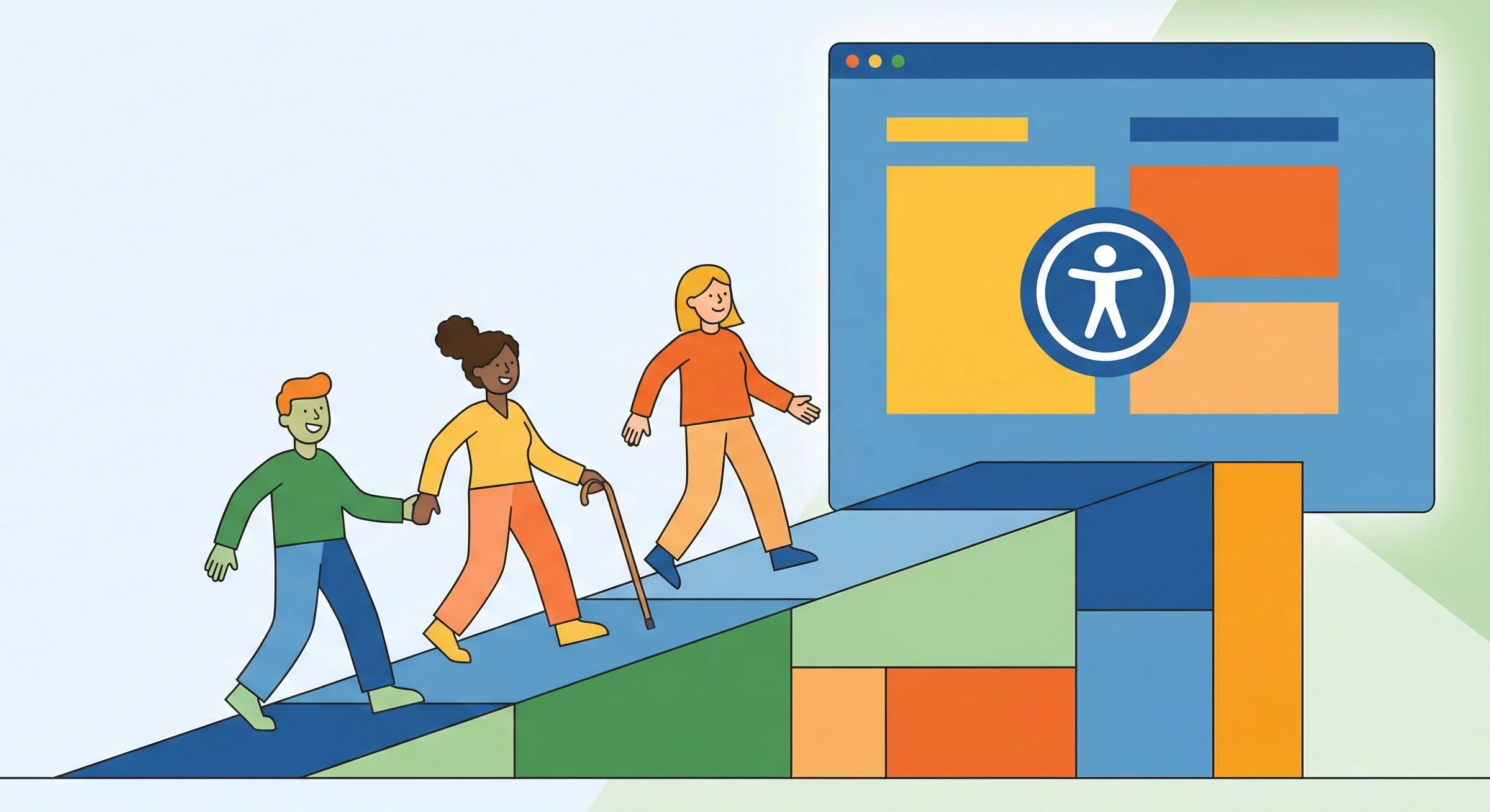
Creating accessible digital experiences isn't just the right thing to do — it's essential for reaching the widest possible audience and providing value to all users. As the W3C's Web Accessibility Initiative (WAI), led by accessibility advocate Shawn Lawton Henry, has documented through decades of research, designing for accessibility improves usability for everyone, not just users with disabilities. Accessibility in design ensures that everyone, regardless of their abilities or disabilities, can use and benefit from your digital products.
Why Accessibility Matters
Over 1 billion people worldwide live with some form of disability. By designing accessible experiences, you're not just helping a minority—you're creating better products for everyone. Features designed for accessibility often improve the experience for all users, from captions that help in noisy environments to keyboard navigation that speeds up workflows.
Beyond the moral imperative, there are legal requirements in many jurisdictions. Laws like the ADA in the United States, the Accessibility for Ontarians with Disabilities Act in Canada, and the European Accessibility Act require digital products to meet certain accessibility standards.
The Four Principles of Accessibility (POUR)
1. Perceivable
Information and user interface components must be presentable to users in ways they can perceive. This means:
• Providing text alternatives for non-text content like images and icons • Offering captions and transcripts for audio and video content • Ensuring sufficient color contrast (minimum 4.5:1 for normal text) • Making content adaptable and presentable in different ways without losing information
2. Operable
User interface components must be operable by everyone. Key considerations include:
• Making all functionality available from a keyboard • Giving users enough time to read and use content • Avoiding content that causes seizures (no flashing more than 3 times per second) • Providing clear navigation and ways to find content • Making touch targets large enough (minimum 44x44 pixels)
3. Understandable
Information and operation of the user interface must be understandable:
• Use clear, simple language appropriate for your audience • Make content appear and operate in predictable ways • Help users avoid and correct mistakes with clear error messages • Provide input assistance when forms require specific formats
4. Robust
Content must be robust enough to be interpreted by a wide variety of user agents, including assistive technologies:
• Use semantic HTML elements correctly • Ensure compatibility with current and future user tools • Validate your HTML and CSS • Use ARIA attributes appropriately when semantic HTML isn't sufficient
Performance also impacts accessibility—slow websites create barriers for users with limited bandwidth or older devices. Website speed optimization should be part of any accessibility strategy.
Practical Implementation Tips
Start with Semantic HTML
Use the right HTML elements for the right purposes. Buttons should be <button> elements, not <div> with onClick handlers. Navigation should use <nav>, main content should be in <main>, and so on. Semantic HTML provides structure and meaning that assistive technologies rely on.
Test with Real Users
No amount of automated testing can replace feedback from actual users with disabilities. Include people with various disabilities in your user testing from the early stages of design. Their insights will reveal issues you might never discover otherwise.
Use Accessible Color Combinations
Ensure your color choices provide sufficient contrast. Tools like WebAIM's Contrast Checker can help verify your combinations meet WCAG standards. Remember that color alone should never convey information—always provide alternative indicators.
Provide Multiple Ways to Complete Tasks
Users interact with interfaces in different ways. Some use keyboards, others use screen readers, voice commands, or switch controls. Design your interfaces to support multiple input methods and provide alternative ways to accomplish tasks.
Common Accessibility Mistakes to Avoid
• Using placeholder text as labels • Creating keyboard traps where users can't navigate away • Auto-playing audio or video • Using only color to convey information • Forgetting focus indicators • Creating unclear or confusing error messages • Using insufficient color contrast • Implementing time limits without options to extend
Tools and Resources
Several tools can help you audit and improve accessibility:
• WAVE (Web Accessibility Evaluation Tool) • axe DevTools for browser testing • Lighthouse in Chrome DevTools • NVDA or JAWS screen readers for testing • Color contrast analyzers • Keyboard navigation testing extensions
Conclusion
Designing for accessibility is an ongoing journey, not a one-time checklist. It requires empathy, awareness, and commitment to continuous improvement. Leonie Watson, a recognized accessibility expert and member of the W3C Advisory Board, has noted that organizations which embed accessibility into their development process from day one spend significantly less on remediation than those that retrofit it later. By prioritizing accessibility from the start of your projects, you create better experiences for everyone and build a more inclusive digital world. Our web development team specializes in building accessible, inclusive digital experiences. Contact us to learn how we can help make your website accessible to all users.
Remember: accessibility benefits everyone. The curb cuts designed for wheelchairs also help parents with strollers, delivery workers with carts, and travelers with luggage. Similarly, accessible digital design creates a better experience for all your users.