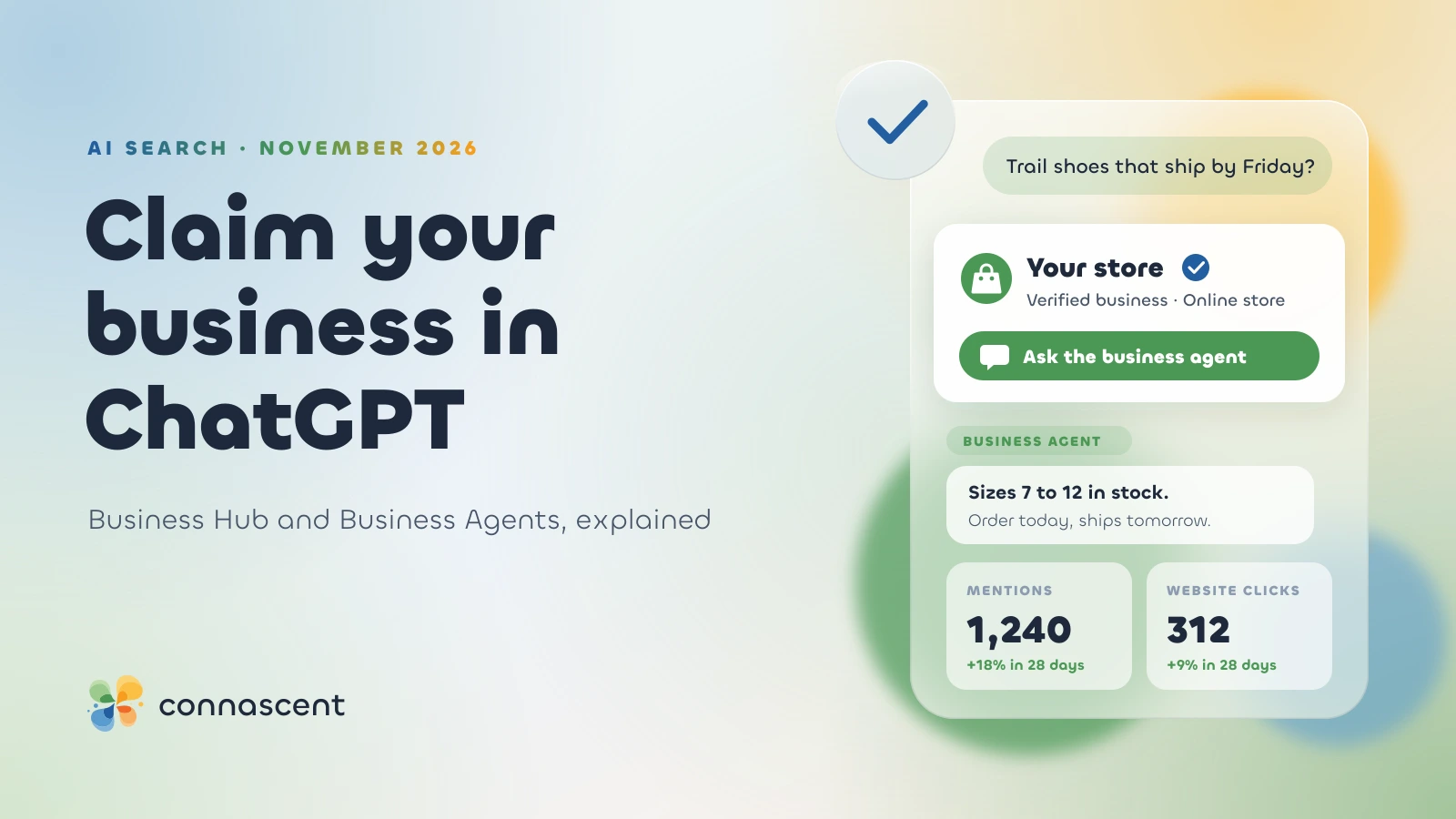
On 10 November, OpenAI opened a beta called Businesses in ChatGPT. For the first time, a business can claim the profile ChatGPT shows for it, correct the details, add its products and see how often ChatGPT mentions it.
Some US online businesses can go a step further and publish a Business Agent: a chat assistant, labelled as theirs, that answers customer questions about their products inside ChatGPT.
TechCrunch compared it to Google Business Profile. That's the right comparison, with one big difference: claiming your ChatGPT profile doesn't buy you a better spot in ChatGPT's answers. OpenAI says so itself.
The short answer
- Claim your profile if you can. It's free at launch and lets you fix what ChatGPT shows about you.
- Claiming doesn't make ChatGPT recommend you more often. OpenAI says its answers stay independent.
- Business Agents are open only to eligible US ecommerce and online service businesses for now.
- The insights are the first official count of how often ChatGPT mentions you. Treat them as a baseline, not a sales report.
- Local shops and restaurants can only claim an existing US listing at launch. Everyone else waits, but the prep work is the same.
What is Businesses in ChatGPT?
It's OpenAI's name for a set of tools that let a business manage how it appears in ChatGPT. There are three parts.
OpenAI calls it "an early step in bringing businesses more deeply into ChatGPT". It isn't the company's first attempt. In March it retired the checkout feature that let people buy from merchants inside ChatGPT, after it failed to take off. This time the focus is on accurate information and discovery, not a cut of each sale.
The audience is the reason to pay attention. OpenAI says ChatGPT reaches 1.2 billion people a week.
What you can do in Business Hub
Claim and verify your business
You prove you own or represent the business in one of four ways, depending on the type of business: a text or call to the main business phone number, a business email address, your website's domain, or your Shopify account.
That gets the claim approved. Before you can publish changes, connect products, see insights or build an agent, the person managing the profile also has to pass an identity check with a government-issued ID through Persona, the verification service OpenAI uses. Once that's approved, a blue check appears on the profile.
Decide who that person is before you start. The ID check ties the profile to one named individual, so pick an owner or a long-term manager rather than whoever happens to have the login this week.
Correct your business details
Business Hub lets you update the information ChatGPT shows about your business. If ChatGPT has been describing you wrongly, with old prices, a closed location or a service you dropped, this is the first official way to fix it. For most businesses that alone makes claiming worth doing.
Add your products, prices and stock
Verified businesses can upload a product feed with prices and availability. Shopify stores can connect from Business Hub or from the Shopify admin, and eligible Shopify products already reach ChatGPT through Shopify Catalog.
Read OpenAI's wording carefully: ChatGPT "may use this information to answer customer questions". May, not will. A feed makes your prices available to ChatGPT. It doesn't make ChatGPT recommend your products.
Business Agents: your own assistant inside ChatGPT
When ChatGPT mentions a business in an answer, the user can open its profile and start a conversation with the business's agent. That chat is separate from their own ChatGPT conversation and clearly labelled, so the customer knows they're talking to the seller, not to ChatGPT.
The agent answers from your product and policy information, following guidelines you set. You build it, test it and then publish it. OpenAI's setup guide describes one agent per claimed profile.
At launch, agents are open only to eligible US ecommerce and online service businesses with a website.
Settle three things before you publish one:
- Your policies need to be written down. The agent answers questions about shipping, returns and stock from what you give it. If your returns policy only exists in your head, the agent can't explain it.
- Its answers are your answers. A customer won't care that an AI got the delivery date wrong. Test the awkward questions before you go live.
- It can become an ad destination. Businesses can sponsor their agent and use it as the landing point for ChatGPT ads. OpenAI's Sponsored Agents are still in a limited test with selected advertisers. Our post on ChatGPT ads has the background.
What the insights show, and what they don't
Business Hub reports four things for the last 7 or 28 days:
- Mentions: how often ChatGPT referred to your business. For an online business, a mention only counts when ChatGPT references your website. For a local business, showing your location is enough.
- Profile views: how often people opened your profile.
- Website clicks: how often people clicked through to your site.
- Discovery topics: the top themes in answers that mentioned you.
You won't see individual conversations. "We don't share users' conversations or Business Agent chats with businesses," OpenAI says, and numbers only appear once activity passes a minimum threshold. A blank dashboard may simply mean not enough people have asked about you yet.
OpenAI's help note adds: "Clicks don't confirm website visits or conversions." Measure what happens after the click in your own analytics, where ChatGPT traffic shows up as referrals from chatgpt.com. If you don't track enquiries and sales by source yet, set that up before you start comparing numbers.
Does claiming your business help you appear in ChatGPT?
Not by itself. OpenAI says ChatGPT keeps making independent recommendations and that claiming a profile doesn't guarantee better placement or more sales, as VentureBeat reported.
What decides whether ChatGPT mentions you hasn't changed: what your website says, what other sites say about you, your reviews, and whether your details match everywhere. We covered that in how to appear in ChatGPT and AI Overviews and in whether an SEO budget buys AI brand mentions.
So the value of Business Hub is accuracy and measurement. You can fix wrong details, and you can count mentions instead of guessing from screenshots. If someone offers to "rank you in ChatGPT" by claiming your profile, that's the part they're leaving out.
ChatGPT Business Hub vs Google Business Profile
For a local business, the Google profile is still the one that makes the phone ring. Keep it complete and accurate first; our Google Maps ranking guide has the detail. The ChatGPT profile sits alongside it, not in place of it.
How to claim your business in ChatGPT
- Sign in to Business Hub with a work account, not a personal one.
- Search for your business, or add it if it isn't listed.
- Verify with your business phone number, business email, website domain or Shopify account.
- Complete the Persona identity check with a government-issued ID.
- Correct your details, then add a product feed or connect Shopify.
- Check the insights after a few weeks, once activity passes the reporting threshold.
OpenAI's setup guide has the current steps. It's a beta, so expect them to change.
Who should act now and who can wait
Act now if
- You run a US online store, especially on Shopify. You get the profile, the product feed and an agent.
- You sell an online service in the US and customers ask the same questions before every sale.
- ChatGPT describes your business wrongly today.
Wait if
- You're a local business outside the US. You can't claim a local listing yet. Make sure your website and Google profile are right, because that's what ChatGPT reads today.
- Your product data is a mess. Fix prices, stock and descriptions on your own site first. A feed full of errors is worse than no feed.
- Your shipping, returns and support policies aren't written down. Write them before you build an agent.
Our verdict
Claim your profile if you're eligible. It's free, and it gives you the only official count of ChatGPT mentions there is. Treat a Business Agent as a sales channel to test, not something to switch on and forget. And don't pay anyone who promises that claiming will make ChatGPT recommend you, because OpenAI says it won't.
Getting mentioned still depends on the work behind your website: clear pages, accurate details and content that answers what customers ask. That's what our SEO content writing and ecommerce development work covers. Want to know how ChatGPT describes your business today? Ask for a free estimate.